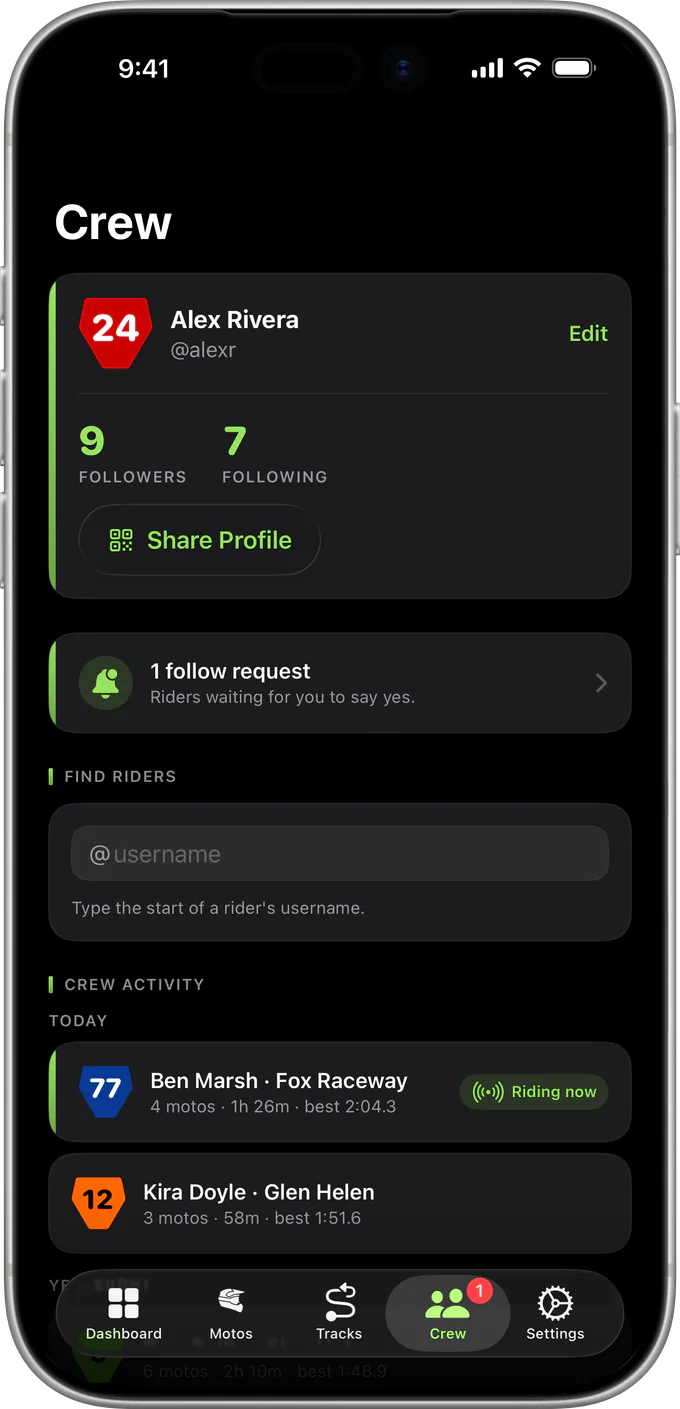
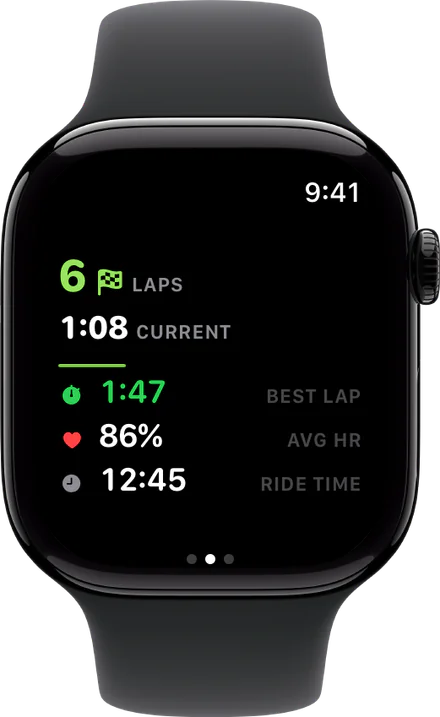
One app · two ways to ride

Phone or Watch.
Track Every Moto.

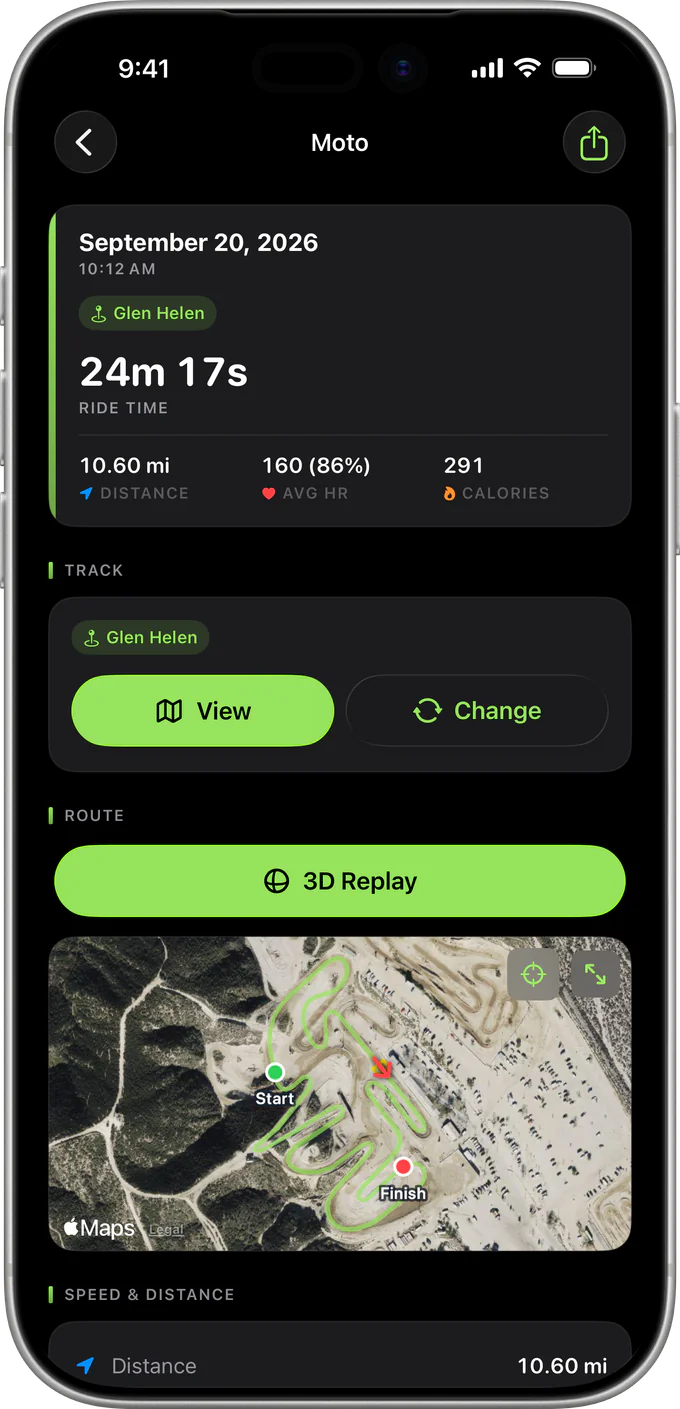
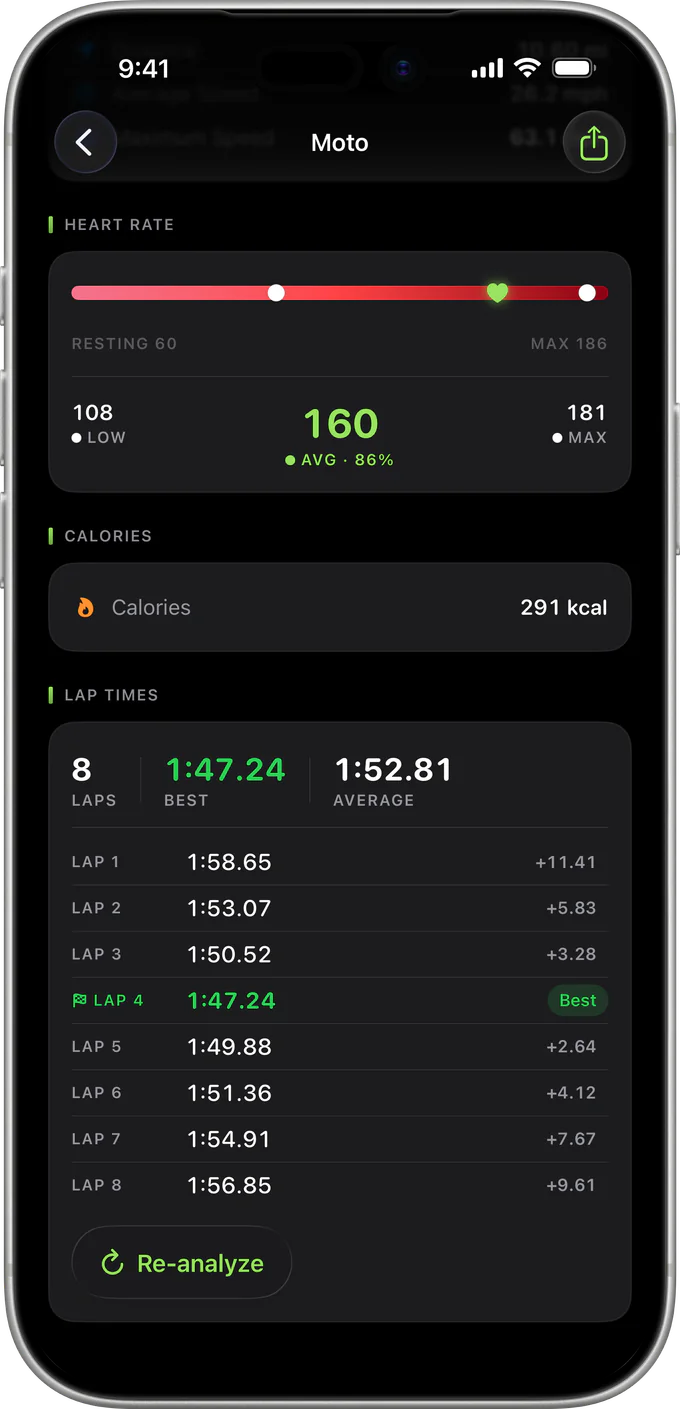
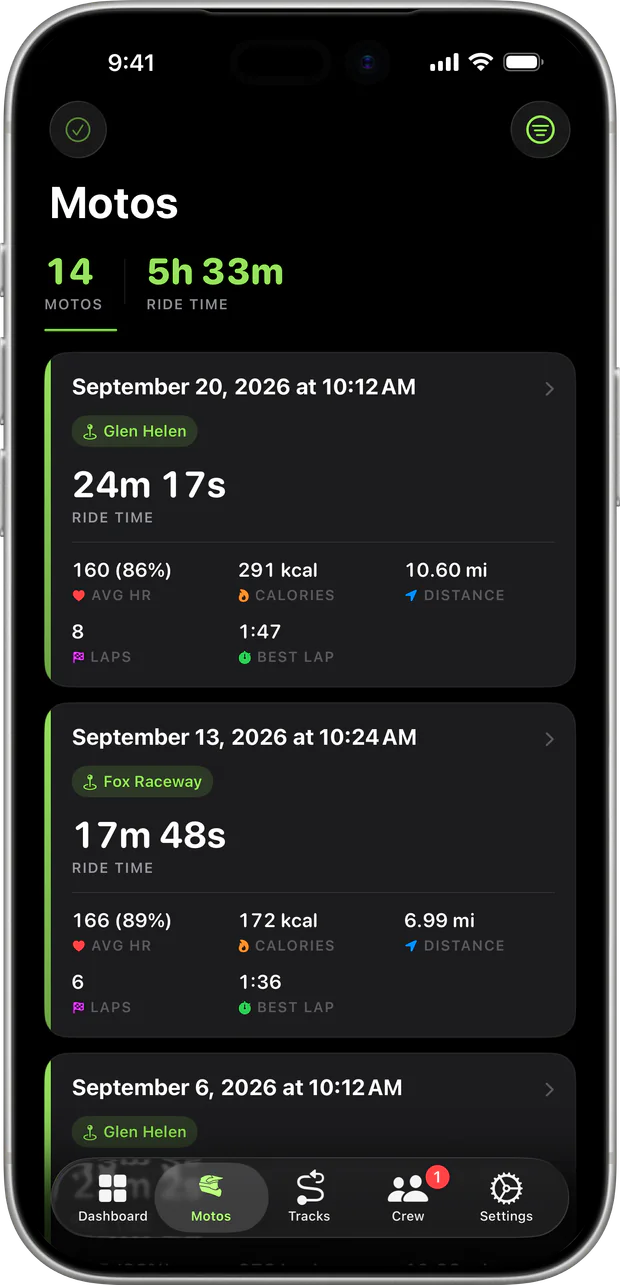
Use your iPhone to record GPS, speed, distance, and lap times. Use Apple Watch when you want heart rate and a phone-free ride. Either device works on its own.

Coming Soon See how it works
iPhoneRoute · speed · distance
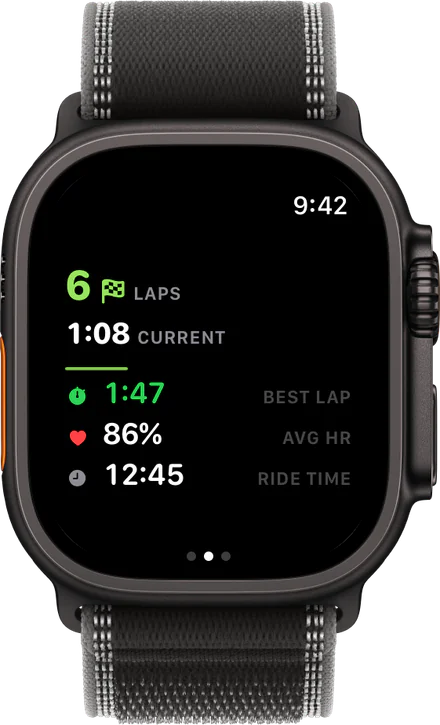
Apple WatchHeart rate · phone-free
Either deviceGPS · live lap timing
One historyReview every moto

Choose how you ride.

MotoFit does not require an Apple Watch. Start on your iPhone, or start on Apple Watch when you want heart rate and a phone-free session.

01 / IPHONE

Ride with your phone

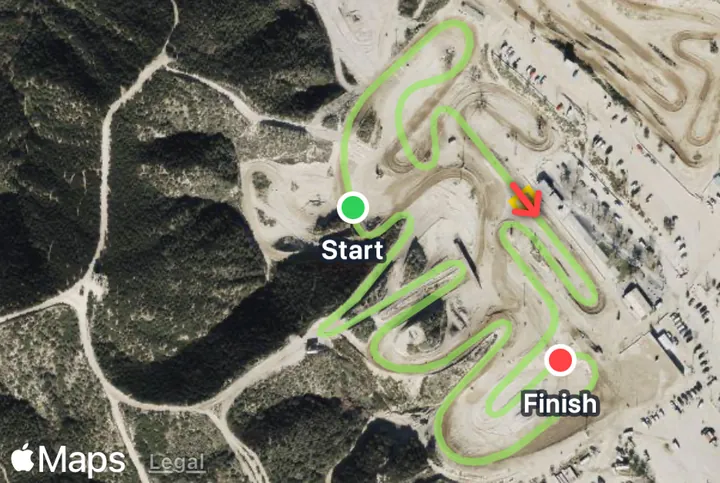
Record GPS, speed, distance, and lap timing from your iPhone. Tracking continues with the screen off.

02 / APPLE WATCH

Leave the phone behind

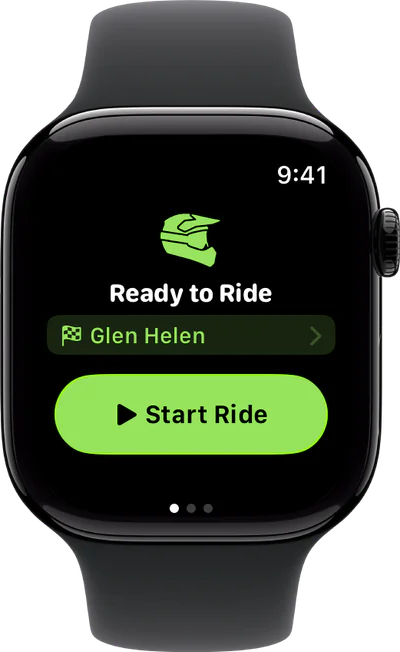
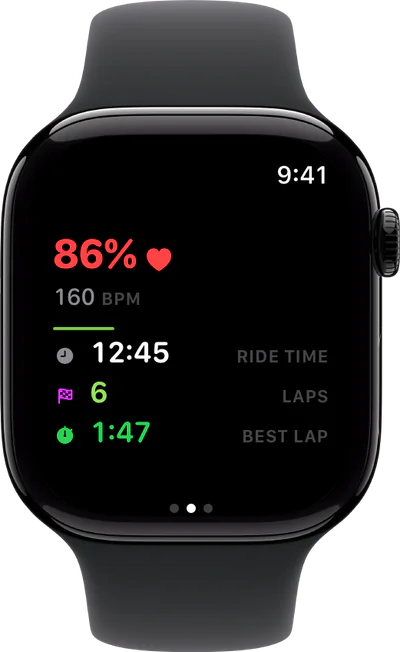
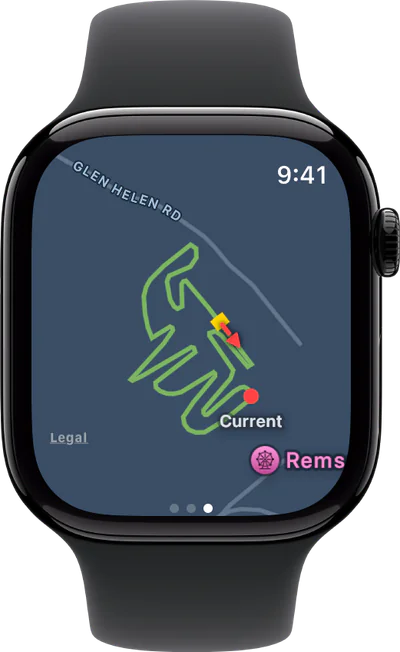
Start from your wrist to record phone-free. Apple Watch also adds heart rate to your ride.

03 / REVIEW

One ride history

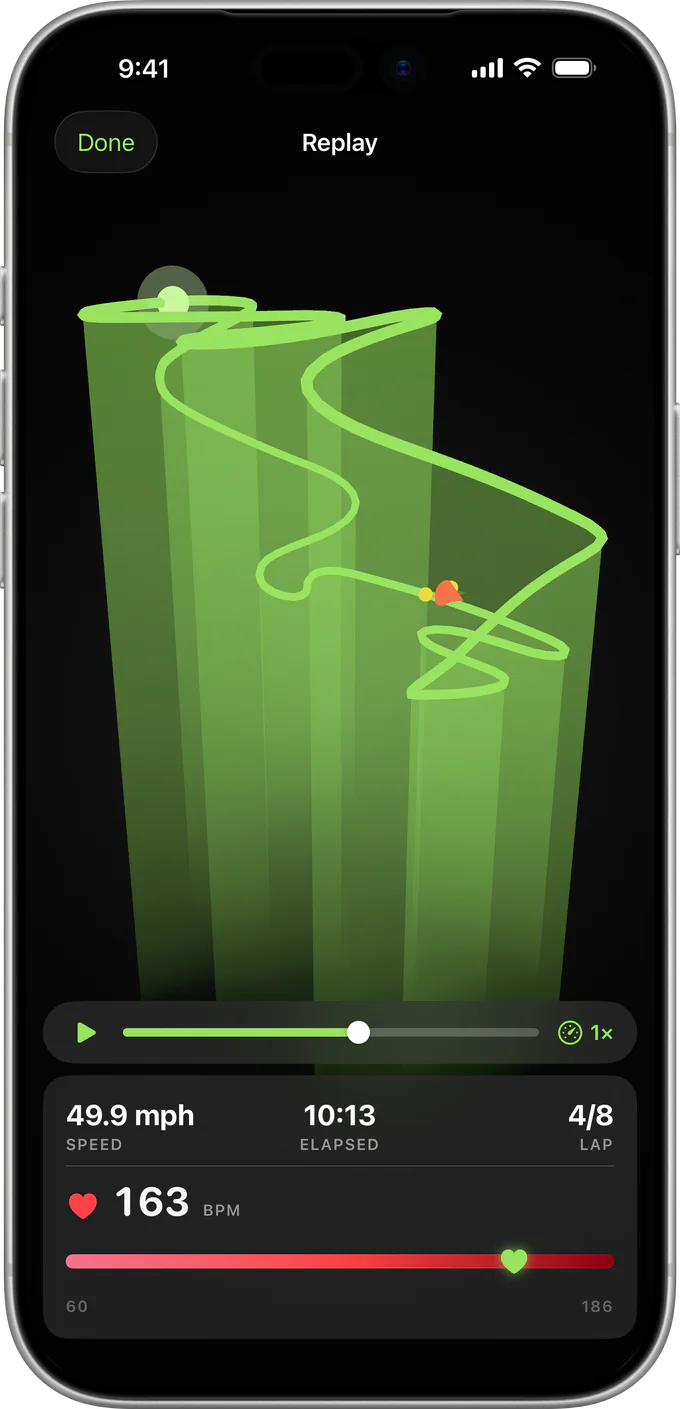
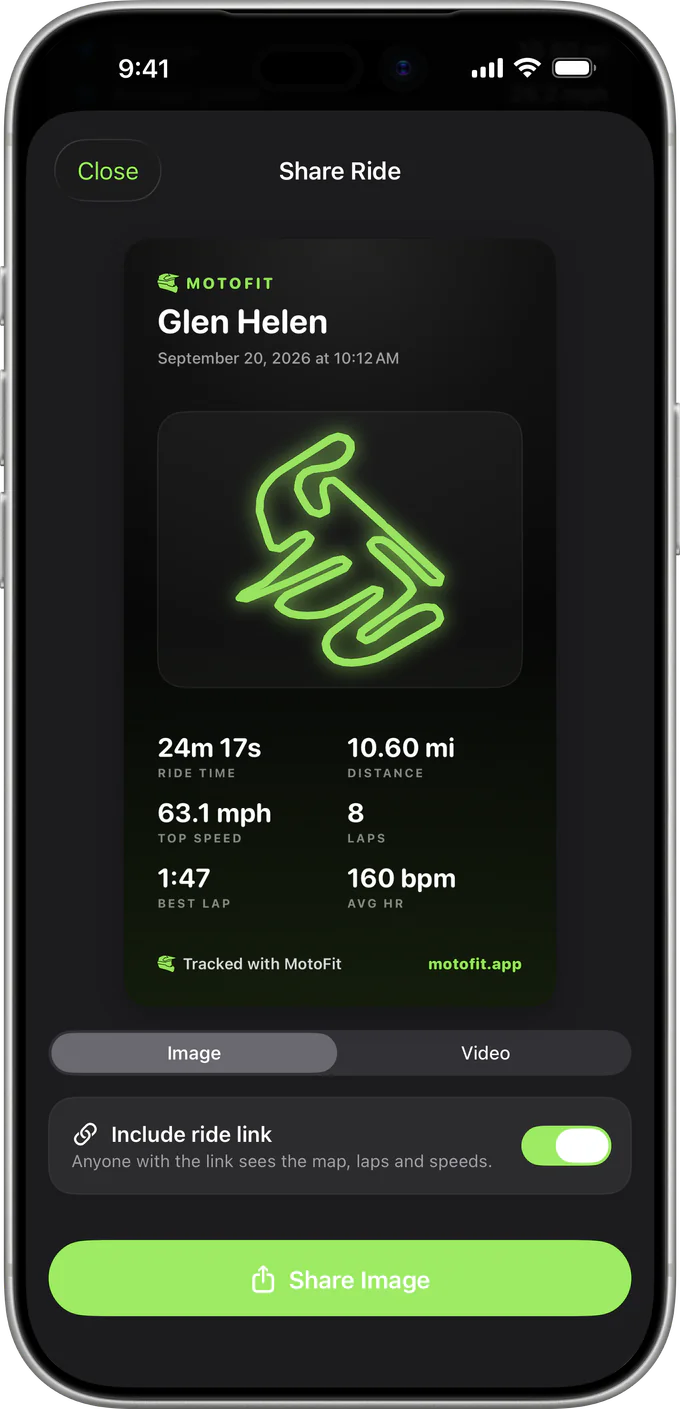
Whichever device you use, review routes, lap times, speed, and ride history on your iPhone.

Track memoryReady

Same track. Your choice.

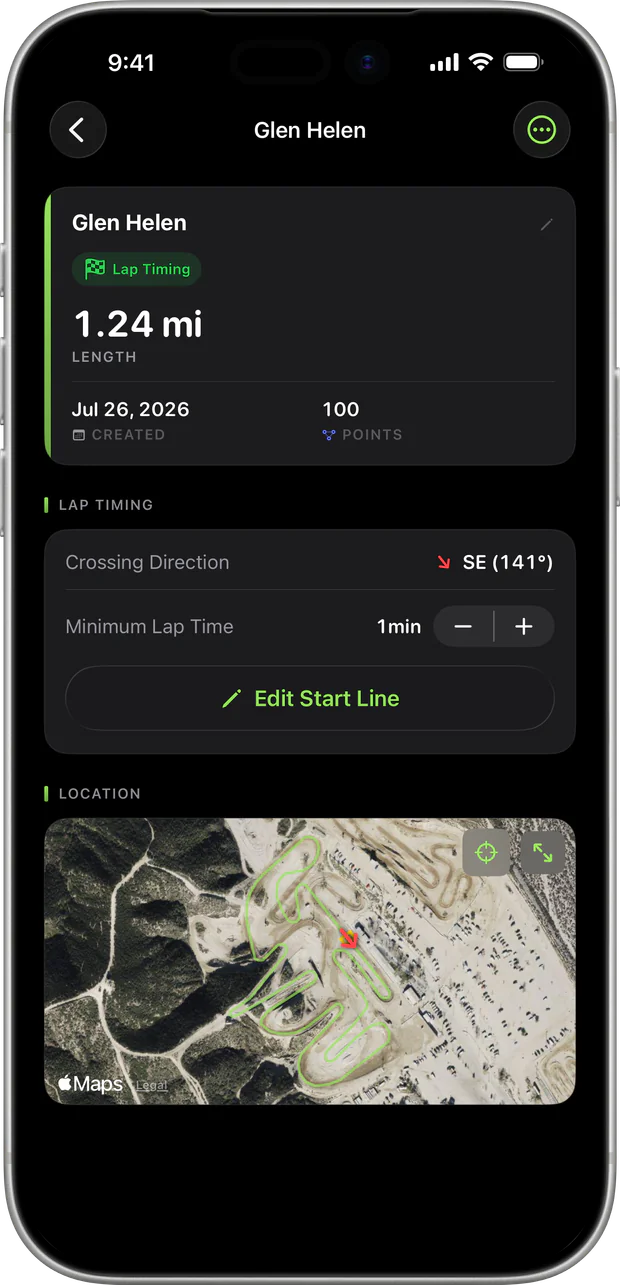
Save a track once. Then record there with your iPhone or Apple Watch.

Choose your device

Start on your iPhone, or use Apple Watch when you want heart rate and no phone on the bike.

Ride your laps

MotoFit records GPS and keeps lap timing active in the background. No mobile signal is required.

Review the moto

Open MotoFit on your iPhone to compare laps, inspect your route, and keep a history for each track.

Your next moto. Your call.

MotoFit works with iPhone and Apple Watch. Use either one. Use both when it suits you.

Coming Soon